

 Domestic
 International
 Quick Commerce
 Dynamic Web Design
 Ecom Web Design
 Content Marketing
 Landing Page Design
 Customize Web Design
 Website Redesign
 Business Web Design
 Internet Marketing
  Google Map Listing
 City Wise Promotion
 Local SEO Services
 Social Media Marketing
 Google Adwords
 Domain Registration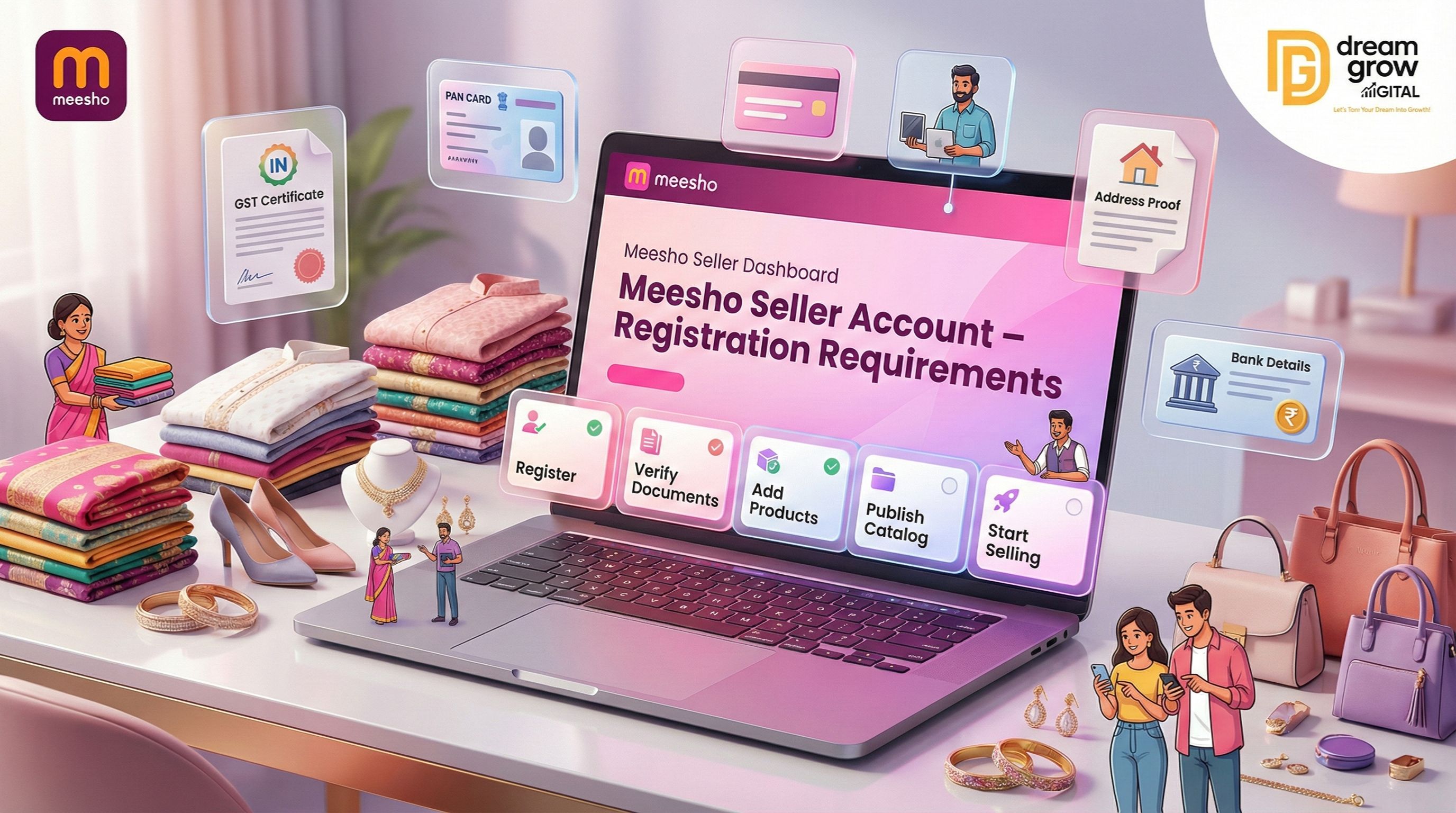
Did you know that India is home to one of the fastest-growing e-commerce ecosystems in the world? While giants like Amazon and Flipkart dominate the premium space, Meesho has revolutionized the market for budget-conscious buyers and small suppliers. If you want to tap into millions of customers across Tier-2 and Tier-3 cities, creating a Meesho Seller Account is your first step toward success.
Unlike other platforms that often have complex entry barriers, the Meesho Seller Onboarding process is designed to be quick, paperless, and incredibly seller-friendly. Whether you are a home-based entrepreneur, a small boutique owner, or a large manufacturer, Meesho offers a level playing field with its unique 0% commission model.
In this guide, we will break down the exact requirements, documents, and steps needed to register your account and start selling today.
What is a Meesho Seller Account?
A Meesho Seller Account is your digital storefront on the Meesho app. It allows you to list your products, manage inventory, process orders, and receive payments directly into your bank account. Once registered, you gain access to the Meesho Seller Panel, a powerful dashboard where you control every aspect of your online business.
Eligibility: Who Can Sell on Meesho?
Meesho is an inclusive platform open to a wide variety of sellers. You are eligible to apply if you are:
- An Individual/Homepreneur: Selling handmade goods, clothing, or reselling items.
- A Sole Proprietorship: A small business owner running a shop.
- A Private Limited Company or Partnership: Larger organizations looking to diversify sales channels.
A Note on GST vs. Non-GST Sellers
Recently, the Indian government allowed certain small sellers to operate on e-commerce platforms without a GSTIN, provided their turnover is below ₹40 Lakhs (₹20 Lakhs in some states) and they only sell intra-state (within the same state). However, to unlock nationwide selling (inter-state), a standard GSTIN is still mandatory.
Mandatory Documents for Meesho Seller Registration
Before you sit down to register, ensure you have the following documents ready. Having these handy will make the process seamless.
1. GSTIN (Goods and Services Tax Identification Number)
For most sellers aiming to sell all over India, a regular GSTIN is required.
- For Nationwide Selling: You must provide a valid GST certificate.
- For Intra-State (Local) Selling: If you do not have a GSTIN, you can apply using an Enrollment ID (Enrolment ID). This allows you to sell only to customers within your own state.
2. Active Bank Account
You need a bank account to receive your payouts. It must be in the name of the business (for companies) or the individual (for proprietors).
- Required Details: Account Number and IFSC Code.
- Verification: Meesho may verify this by depositing a nominal amount (₹1) into your account.
3. Mobile Number & Email ID
- Mobile Number: Ideally, use a number linked to your WhatsApp, as Meesho sends important order updates and OTPs there.
- Email ID: A professional email address to receive invoices and policy updates.
4. Pickup Address
This is the physical location from where Meesho’s logistics partners will pick up your packed orders. It can be your home, warehouse, or shop address.
Step-by-Step Guide to Create Your Meesho Seller Account
The registration process is fully digital and takes less than 10 minutes. Follow these steps:
Step 1: Visit the Supplier Portal
Go to the official Meesho supplier website. On the homepage, look for the "Start Selling" button.
Step 2: Mobile Verification
Enter your 10-digit mobile number. You will receive an OTP. Enter the OTP to verify your phone number.
Step 3: Enter Tax Details
- If you have GST: Enter your GSTIN. The system will automatically fetch your business name and address details associated with that GST number.
- If you don't have GST: Select the option for "Sell without GST" and enter your Enrollment ID (Enrolment ID).
Step 4: Add Pickup Address
Verify the auto-filled address from your GST details. If your warehouse is at a different location, you can manually add a new pickup address here.
Step 5: Bank Account Verification
Enter your Bank Account Number and IFSC code. The system will verify the account holder's name to ensure it matches your tax documents.
Step 6: Store Name
Create a unique name for your shop (e.g., "Rahul Fashions" or "Urban Decor"). This name will be visible to customers on the app.
Once you click "Submit," your account is created! You can now log in and start listing your products.
Why Sell on Meesho? Key Benefits
If you are on the fence, consider these major advantages that make Meesho distinct from Amazon or Flipkart:
- 0% Commission Fee: You keep 100% of the sale price. Meesho earns revenue through ads and shipping services, not by taking a cut of your product price.
- Zero Penalty: Meesho typically does not charge penalties for seller cancellations or late dispatches (though maintaining metrics is good for visibility).
- 7-Day Payment Cycle: You receive payments fast—usually 7 days after the product is delivered.
- Reach: Access to crores of customers in Tier-2 and Tier-3 cities who might not use other premium apps.
Professional Help for Scaling Your Business
While registering is easy, managing an e-commerce business day-to-day can be overwhelming. From uploading bulk catalogs and optimizing images to managing returns and running ads, technical tasks can eat into your profit time.
This is where Dream Grow Digital steps in. We specialize in end-to-end e-commerce account management services. We don't just register your account; we optimize your listings with SEO-friendly titles, manage your inventory, and strategize your pricing to ensure you dominate the buy box.
Struggling to get your first order? Let Dream Grow Digital handle the technicalities while you focus on sourcing great products.
Conclusion
Starting your journey with a Meesho Seller Account is one of the smartest moves for Indian sellers in 2026. With zero commission and a massive customer base, the barrier to entry is lower than ever. All you need is your tax document, a bank account, and a product to sell.
Don't let the paperwork scare you. Gather your documents, follow the steps above, and launch your store today.
Ready to scale your business but unsure how to manage listings and ads? Contact Dream Grow Digital today for a free consultation on professional account management services.
FAQs: Meesho Seller Registration
Q1: Is a PAN card required separately?
A: No, if you are providing a GSTIN, your PAN details are already linked to it. However, if you are a non-GST seller, you may need to provide PAN details for identity verification.
Q2: Can I sell on Meesho without a Current Account?
A: Yes, sole proprietors can often use a Savings Account, provided the name on the account matches the name on the tax documents. However, a Current Account is recommended for business transactions.
Q3: How much does it cost to register?
A: Registration is completely free. There are no monthly subscription fees to maintain a Meesho Seller Account.
Q4: Can I sell brand-name products?
A: Yes, but you may need to provide an authorization letter or purchase invoice to prove you are authorized to sell that specific brand to avoid "Brand Infringement" blocks.
Q5: What happens if I move my warehouse?
A: You can easily update your pickup address settings inside the panel at any time.