

 Domestic
 International
 Quick Commerce
 Dynamic Web Design
 Ecom Web Design
 Content Marketing
 Landing Page Design
 Customize Web Design
 Website Redesign
 Business Web Design
 Internet Marketing
  Google Map Listing
 City Wise Promotion
 Local SEO Services
 Social Media Marketing
 Google Adwords
 Domain Registration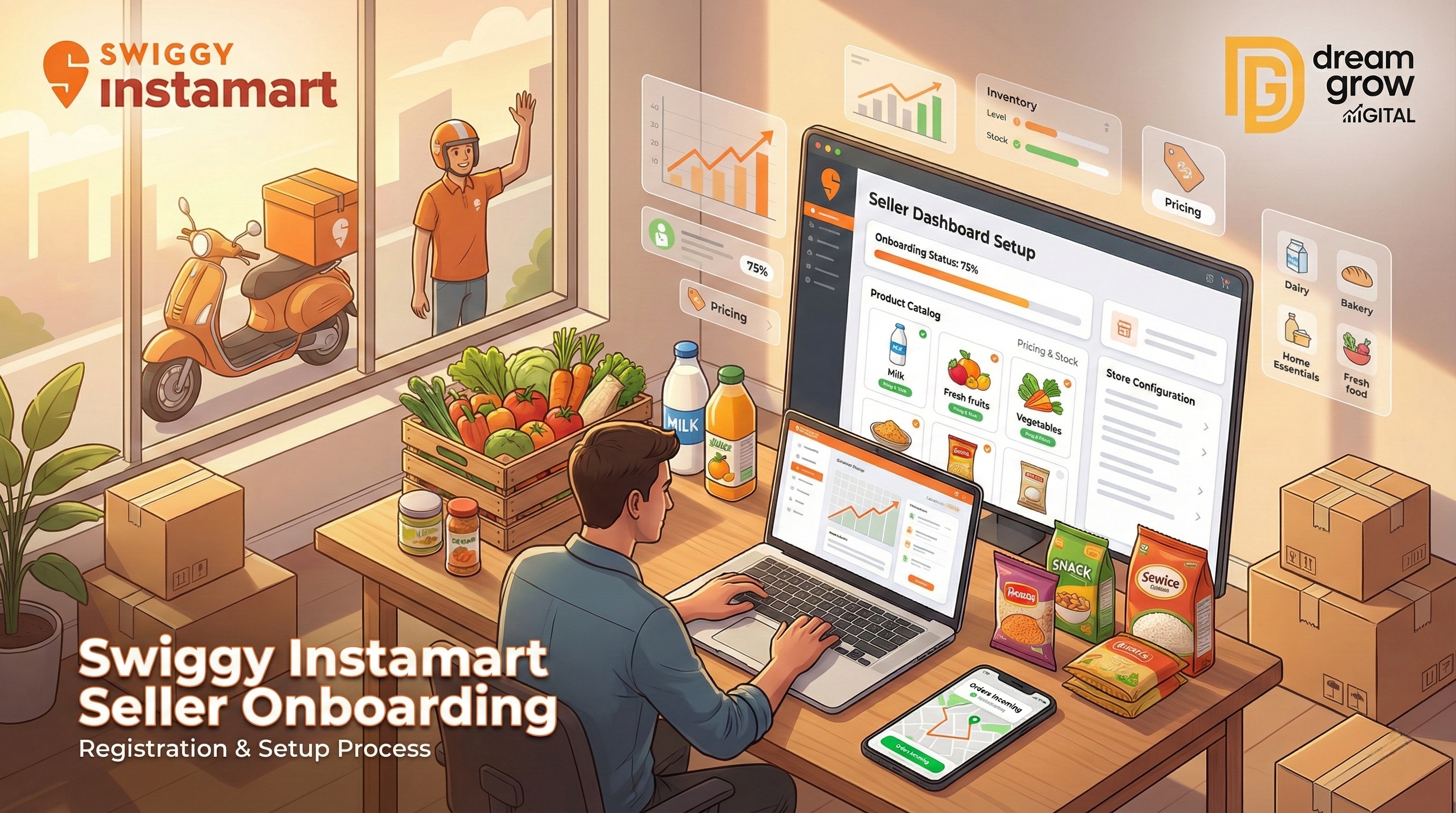
The Indian e-commerce landscape is shifting rapidly, and "quick commerce" is the new gold rush. Customers no longer want to wait days for deliveries; they want them in minutes. For vendors and brands, this means one thing: getting listed on platforms like Swiggy Instamart is no longer an option—it’s a necessity. If you are looking to expand your business into this high-growth sector, understanding the Swiggy Instamart seller onboarding process is your first step toward success.
Whether you are a local grocer, an FMCG brand, or a direct-to-consumer (D2C) startup, this guide will walk you through the entire journey. From eligibility to final account activation, we cover it all. If you find the process overwhelming, professional agencies like Dream Grow Digital offer specialized Swiggy account management services to handle the technical heavy lifting for you.
Why Sell on Swiggy Instamart?
Before diving into the technical steps, it is important to understand the value proposition. Swiggy Instamart is not just a food delivery app anymore; it is a hyper-local marketplace connecting millions of high-intent buyers with sellers like you.
- Instant Visibility: Access Swiggy’s massive existing user base.
- Hyper-Local Reach: Target customers specifically in your serviceable pin codes.
- High Repeat Orders: The quick-commerce model encourages frequent, smaller purchases, increasing your customer lifetime value.
Instamart Seller Eligibility Criteria
Not every business can immediately jump into Swiggy vendor onboarding. To maintain quality and speed, Swiggy has specific eligibility standards.
Who can apply?
- Retailers & Wholesalers: Grocery stores, supermarkets, and gourmet shops.
- D2C Brands: New-age brands selling packaged foods, personal care, or home essentials.
- Manufacturers: Entities with their own production and distribution capabilities.
Key Requirements:
- You must have a registered business entity (Proprietorship, Private Ltd, LLP, etc.).
- You need an operational warehouse or store in a serviceable area.
- You must have the capability to update inventory in real-time to prevent order cancellations.
Documents Required for Instamart Registration
To ensure a smooth Instamart seller account setup, keep the following documents ready before you start the application. Missing paperwork is the #1 reason for onboarding delays.
- GSTIN Certificate: Mandatory for all taxable goods.
- FSSAI License: Compulsory if you are selling food or beverages.
- PAN Card: Business PAN or Proprietor’s PAN.
- Bank Account Details: A cancelled cheque or bank statement (Current Account preferred).
- Shop & Establishment License: Or any other valid business proof.
- Trademark Certificate: (Optional but recommended for brand protection).
Step-by-Step Guide: Swiggy Instamart Seller Onboarding
Follow this detailed process to complete your quick-commerce marketplace onboarding.
Step 1: Visit the Swiggy Seller Portal
Navigate to the official partner website. This is your gateway to the entire ecosystem. You can access the registration page via the Swiggy Seller Portal.
Step 2: Basic Registration
Click on "Partner with Us" or "Register." You will need to enter basic details such as:
- Business Owner Name
- Mobile Number (OTP Verification required)
- Email Address
- City and Pincode of your store/warehouse
Step 3: Business Documentation Upload
Once verified, you will enter the detailed application phase. Here, you must upload the documents listed in the previous section. Ensure all images are clear and the text is legible. Blurry documents often lead to rejection during the Swiggy Instamart seller registration verification phase.
Step 4: Cataloging and Listing
After your documents are verified, the next step is Instamart product listing. Unlike standard e-commerce, quick commerce requires precise cataloging.
- SKU Mapping: If you are selling known brands (e.g., Dove soap, Maggi), you will map your stock to Swiggy’s master catalog.
- New Listings: For private labels, you must provide high-quality images and accurate descriptions.
Step 5: Commercial Agreement & Go Live
Review the commission structure and commercial terms presented by Swiggy. Once you electronically sign the agreement and your catalog is live, your store will become visible to customers in your designated zone.
Common Onboarding Mistakes to Avoid
Even seasoned sellers make errors during Swiggy marketplace onboarding. Avoid these pitfalls to save time:
- Incorrect Pincode Mapping: Ensure your store location exactly matches the coordinates you provide. Quick commerce relies on precise geo-fencing.
- Ignoring Stock Updates: If your system says an item is in stock but you physically don't have it, you will face penalties for order cancellations.
- Poor Image Quality: For new products, uploading low-resolution images will severely hurt your conversion rates.
- Mismatched GST/Bank Details: Ensure the name on your GST certificate matches the beneficiary name on your bank account exactly.
How Dream Grow Digital Helps You Scale
Navigating Instamart seller requirements and technical setups can be complex, especially if you are focused on product sourcing and operations.
Dream Grow Digital is your strategic partner in this journey. We specialize in helping ecommerce sellers with:
- End-to-End Onboarding: We handle the entire registration and documentation process for you.
- Professional Cataloging: Our team ensures your Instamart product listing is SEO-optimized and visually appealing.
- Account Growth: We don't just set you up; we help you analyze data to improve rankings and sales velocity.
Stop worrying about technical glitches and start selling. Let us handle the backend while you focus on the business.
Conclusion
Entering the world of grocery selling on Instamart is a game-changer for modern businesses. The Swiggy Instamart Seller Onboarding process is designed to be rigorous to ensure quality, but the rewards of high-volume, hyper-local sales are well worth the effort.
By ensuring your documentation is accurate and your inventory is ready, you can tap into one of India’s fastest-growing sales channels.
Ready to start your quick-commerce journey? Don't let the paperwork slow you down. Contact Dream Grow Digital today for expert assistance with your Swiggy Instamart registration and start getting orders faster!
FAQs
1. Is GST mandatory for Swiggy Instamart seller registration?
A: Yes, a valid GSTIN is mandatory for most categories. However, for certain tax-exempt categories (like non-processed grains), you may check specific local regulations, but a registered business entity is almost always required.
2. How long does the Swiggy vendor onboarding process take?
A: Typically, if all documents are in order, the process takes 7 to 10 working days. However, catalog creation for unique private label products may take slightly longer.
3. Can I sell from my house on Instamart?
A: Swiggy generally requires a commercial setup or a dedicated warehouse/store to ensure seamless logistics and driver pickups. Residential addresses are often rejected for high-volume quick commerce.
4. What are the fees for selling on Instamart? Swiggy charges a commission on every order, which varies by category (e.g., electronics vs. groceries). There may also be a one-time onboarding fee or platform usage fees depending on the city and business scale.